
Sign Up
Last updated: 2026-03-12
Getting started takes a minute. Connect your wallet, choose your alias, and lock in your account setup.

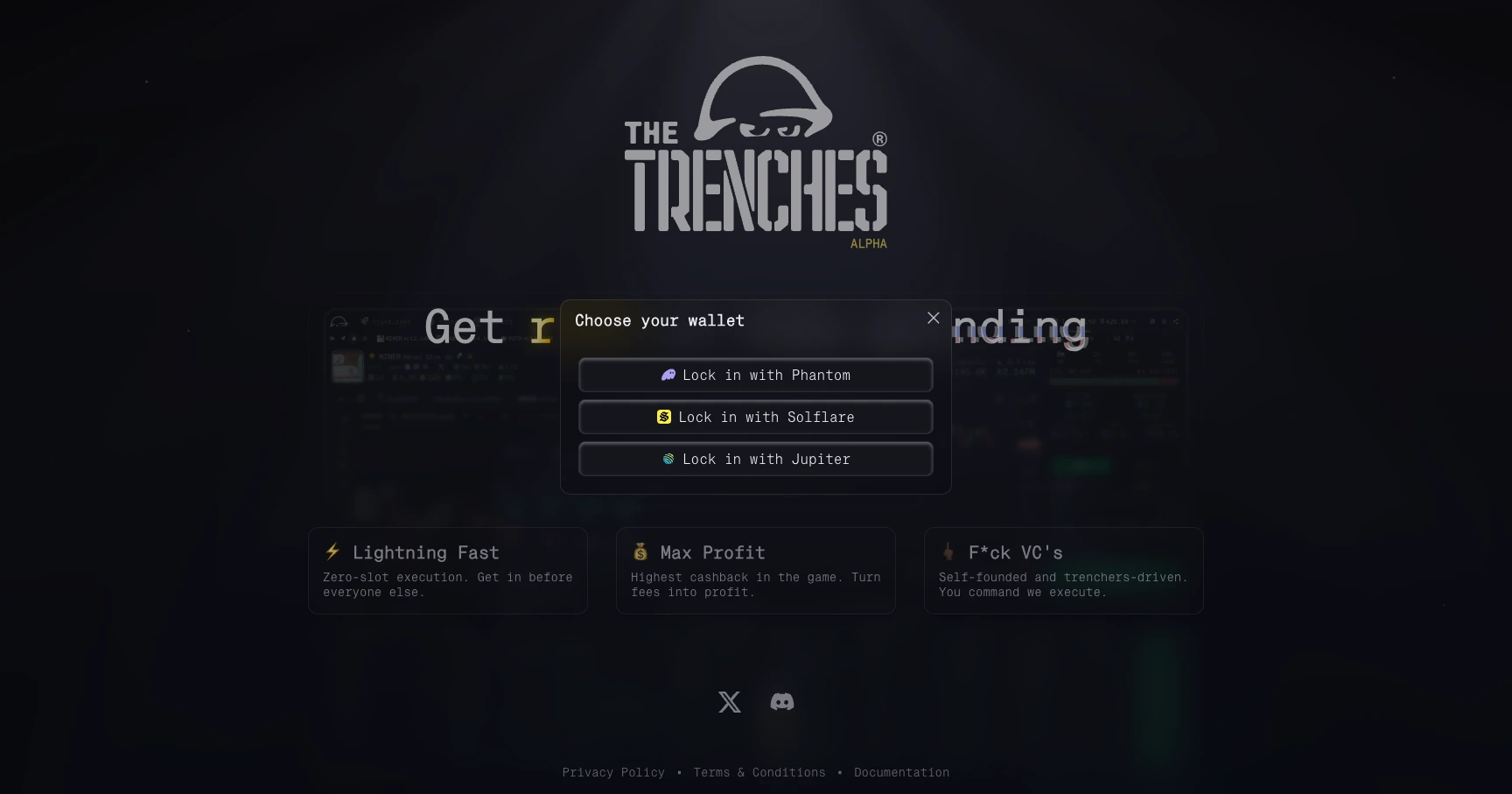
1. Connect your wallet
Click "Lock in" and choose your wallet provider. Confirm the connection in the pop-up.
At the moment, we support Phantom, Jupiter, Backpack, and Solflare.
Your connected wallet is your access key to the platform, so make sure you are approving the connection from the wallet you intend to use.
2. Set your identity
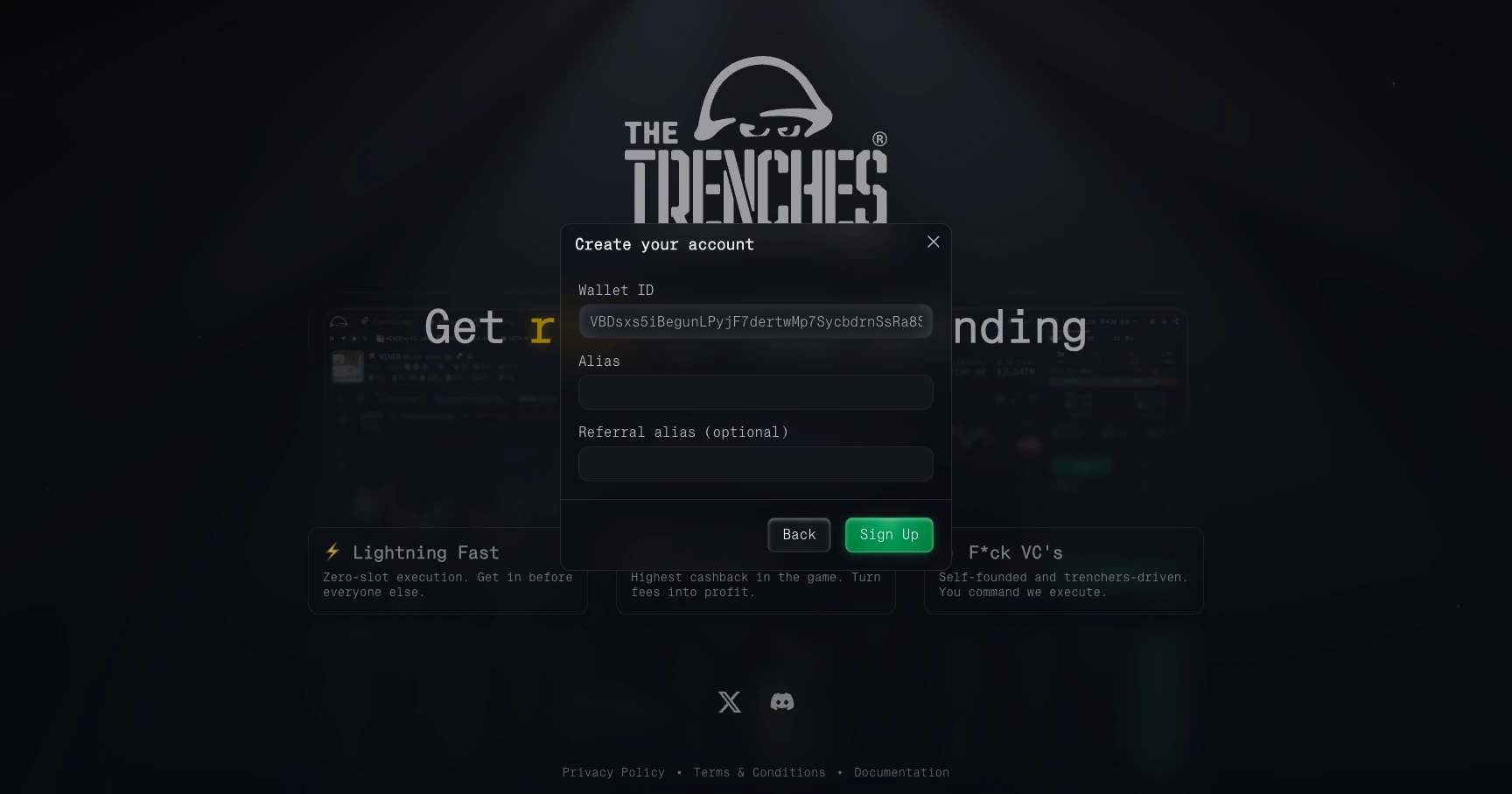
Once connected, the setup prompt will ask for:
- Alias: your public profile identifier and referral code.
- Optional referral code: if you have one, enter it so both you and the referrer receive the referral benefits described in the referral program.
Your alias is permanent and cannot be changed.
If you open the app through a referral link, the code is auto-filled.
Before continuing, confirm that the shown Solana Wallet Address matches the wallet you connected.
3. Legal agreement
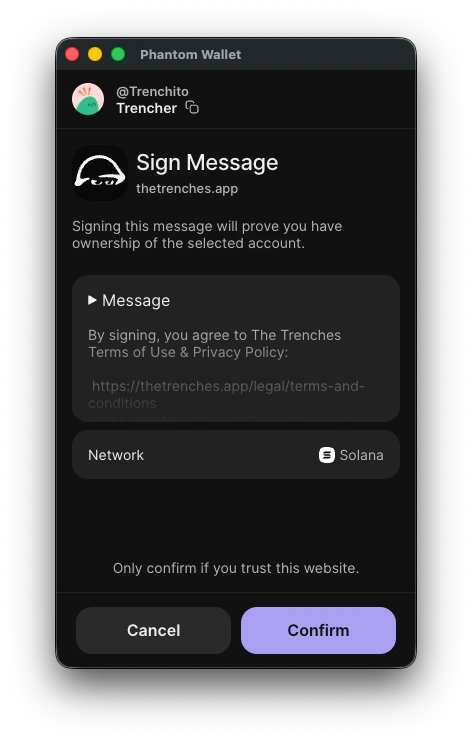
Read our Terms of Service and Privacy Policy, then click "Confirm" to continue.
4. Next step: create your wallet
After signing up, go to Wallets and create your first operational wallet.
After that, you're ready to move.