Funds
Last updated: 2026-03-12
Your Profile Menu is where you move capital between your wallets and keep your operation organized. Use it to fund operational wallets, bring profits back to safety, and rearrange assets before your next move.
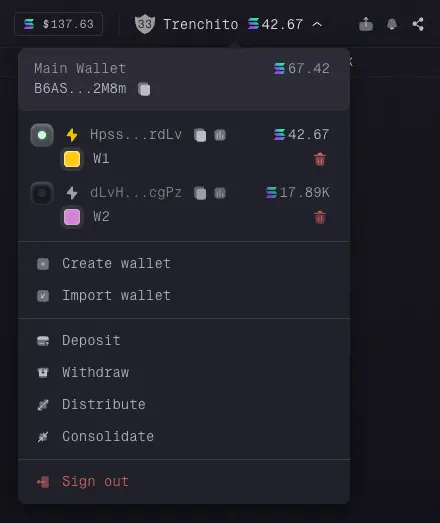
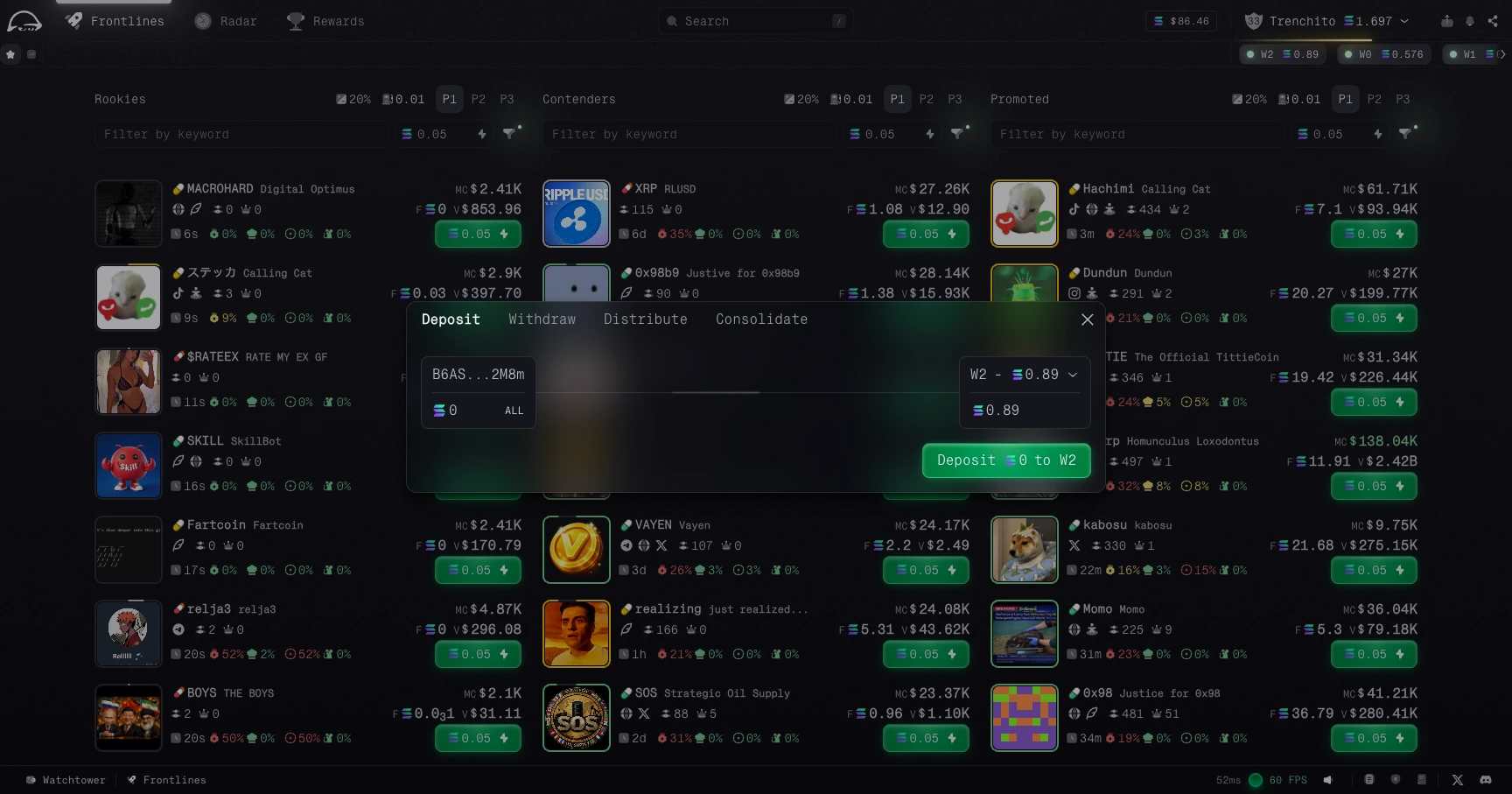
Deposit
Move SOL from your main wallet into one or more operational wallets. This is the fastest way to deploy fresh capital before opening positions.
Use Deposit when you want to:
- fund a wallet for trading,
- split SOL across multiple strategies,
- top up an operational wallet without leaving the app.
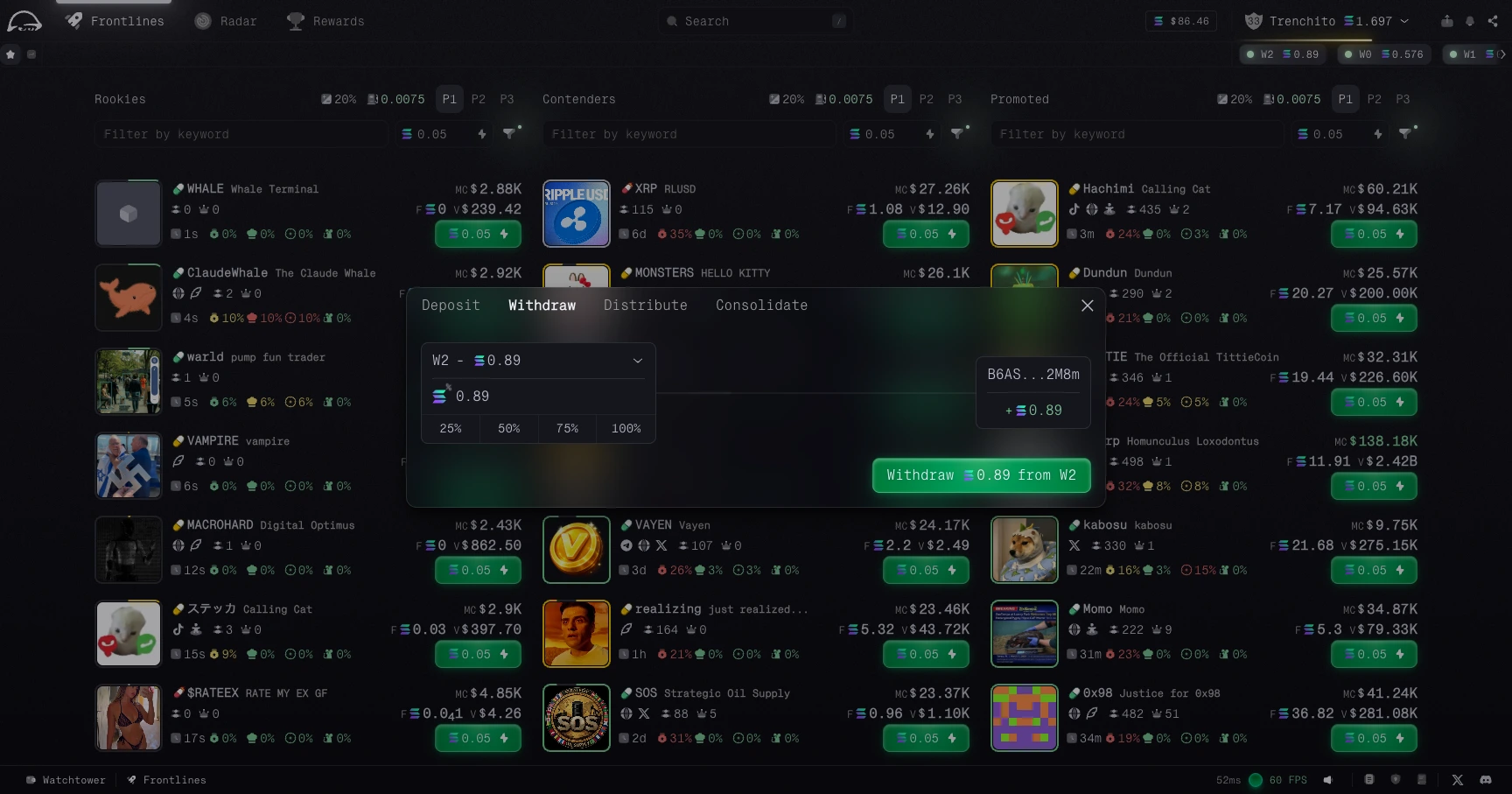
Withdraw
Move SOL from any operational wallet back to your main wallet. This is your fallback position when you want to secure profits or reduce exposure.
For safety, the withdrawal destination is locked to your main wallet. Funds cannot be redirected to an external address from this flow, which protects you if your session is ever compromised.
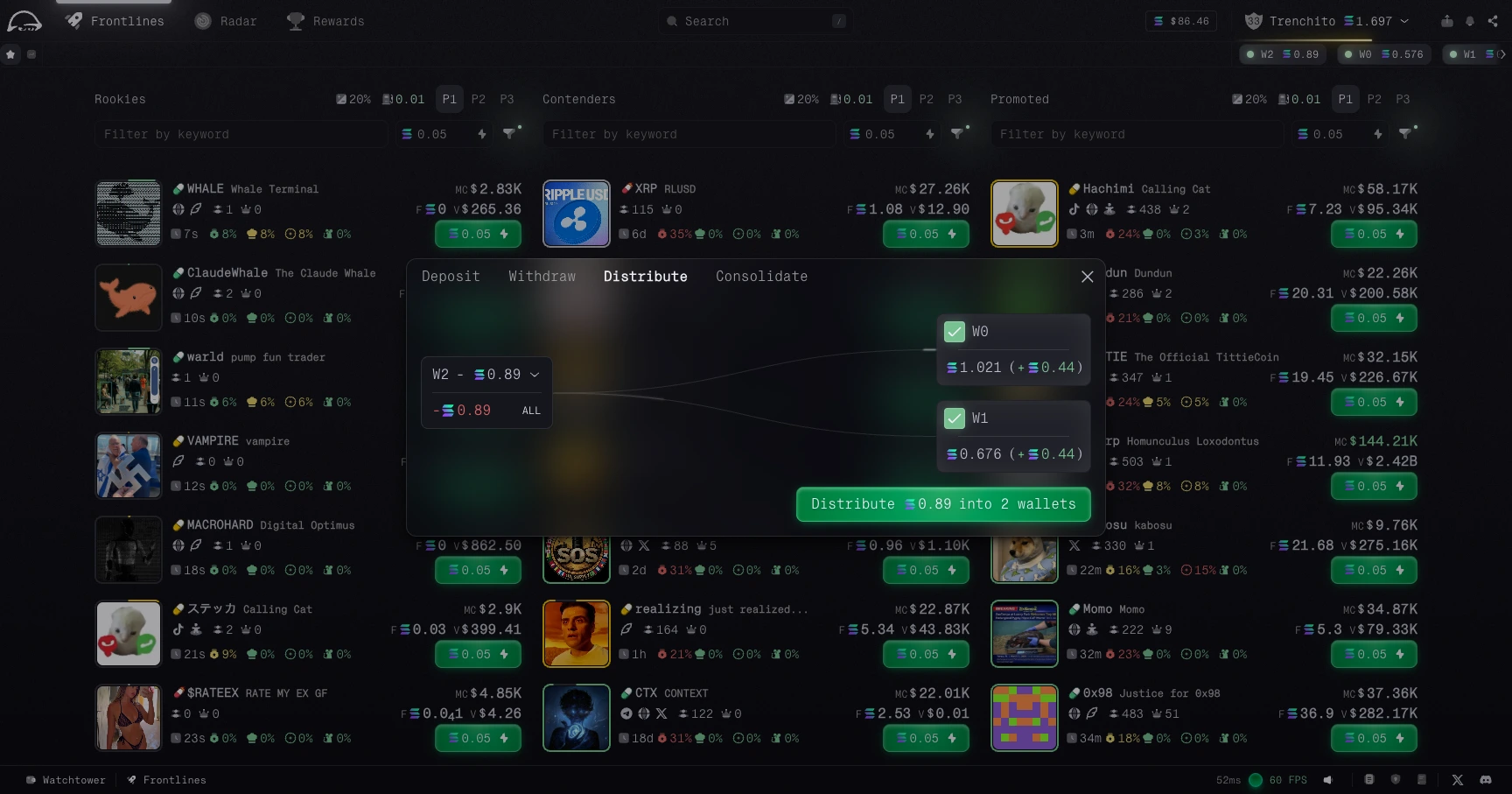
Distribute
Move tokens from one operational wallet to several others at once. Use this when you want to spread a position across multiple wallets without making manual transfers one by one.
Distribute is useful when you want to:
- prepare several wallets for the same setup,
- spread risk across wallets,
- rebalance assets quickly before trading.
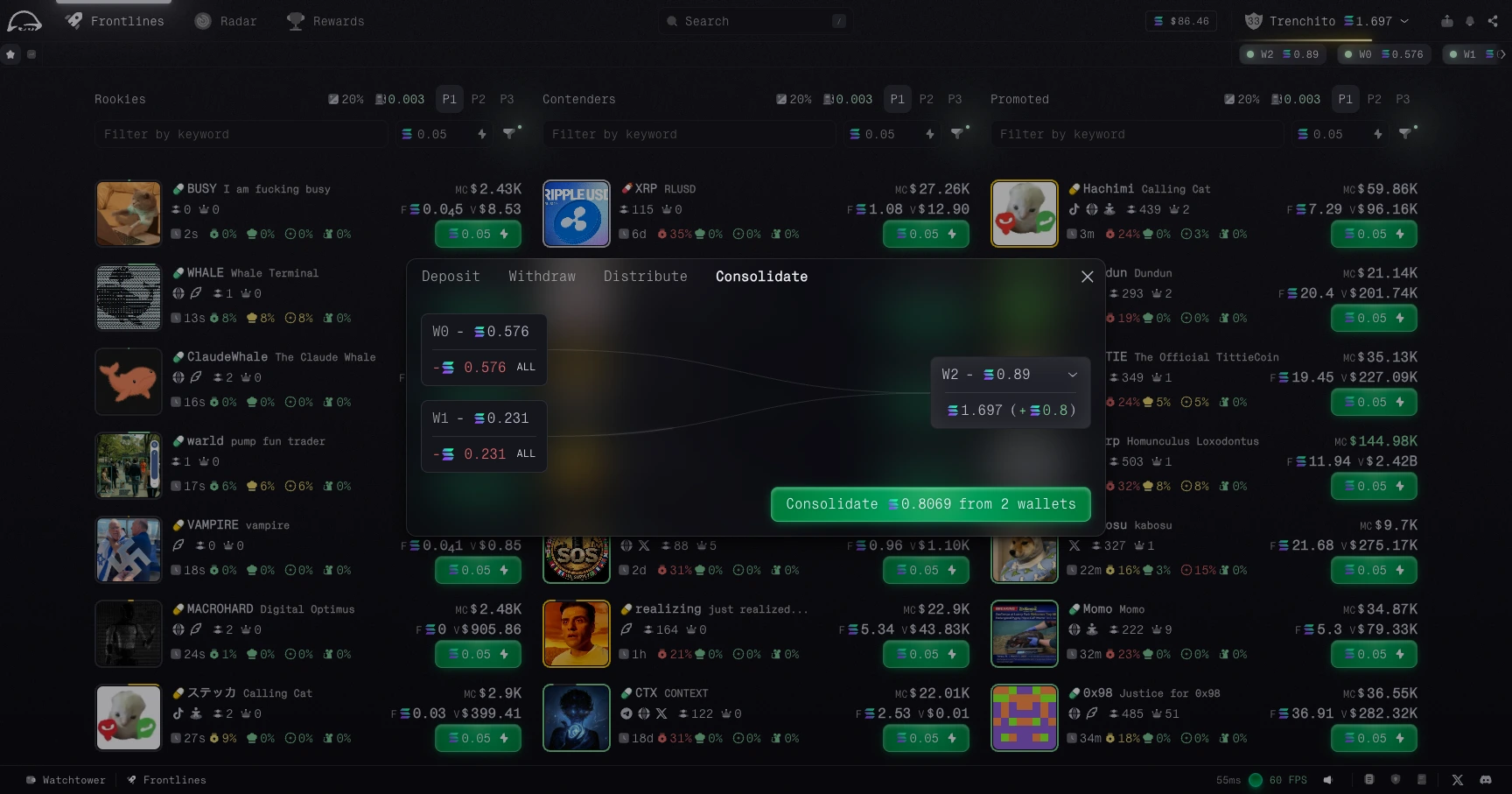
Consolidate
Move tokens from multiple operational wallets into one target wallet. Use this when you want cleaner management or need one wallet ready to strike.
Use Consolidate when you want to:
- combine gains into one wallet,
- clean up scattered balances,
- prepare one wallet for a larger position.